Automating Team Communication with Google Sheets and Apps Script
$9.99
ENROLL NOWCourse Overview
What You'll Learn
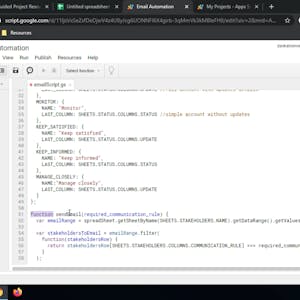
- In 2-hours long project-based course, you will learn how to create a project plan on Google Sheets using color coded conditional formatting, set up a dynamic stakeholder communication plan with formulas, automate emails with Google Apps Script, utilize Apps Script third party libraries.
- Note: This course works best for learners who are based in the North America region.
In 2-hours long project-based course, you will learn how to create a project plan on Google Sheets using color coded conditional formatting, set up a dynamic stakeholder communication plan with formulas, automate emails with Google Apps Script, utilize Apps Script third party libraries. Note: This course works best for learners who are based in the North America region. We’re currently working on providing the same experience in other regions.
Course FAQs
Is this an accredited online course?
Accreditation for 'Automating Team Communication with Google Sheets and Apps Script' is determined by the provider, Coursera Project Network. For online college courses or degree programs, we strongly recommend you verify the accreditation status directly on the provider's website to ensure it meets your requirements.
Can this course be used for continuing education credits?
Many of the courses listed on our platform are suitable for professional continuing education. However, acceptance for credit varies by state and licensing board. Please confirm with your board and {course.provider} that this specific course qualifies.
How do I enroll in this online school program?
To enroll, click the 'ENROLL NOW' button on this page. You will be taken to the official page for 'Automating Team Communication with Google Sheets and Apps Script' on the Coursera Project Network online class platform, where you can complete your registration.