Design Your Virtual Classroom with Canva
$9.99
ENROLL NOWCourse Overview
What You'll Learn
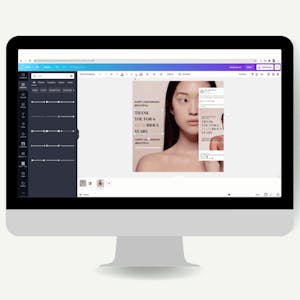
- By the end of this project, you will learn how to design your virtual classroom using Canva.
- We will create a Zoom virtual background for your classroom and a virtual classroom design for your learning platform.
- You will learn how to plan and organize your ideas and utilize graphic design tools as you create your virtual classroom.
By the end of this project, you will learn how to design your virtual classroom using Canva. We will create a Zoom virtual background for your classroom and a virtual classroom design for your learning platform. You will be able to incorporate a color scheme, images, and other design elements for aesthetically pleasing and value added business marketing collateral. We can use Canva to complete this project because it provides all the tools you need to create an organized and visually appealing product while offering a variety of options for sharing and collaboration. You will learn how to plan and organize your ideas and utilize graphic design tools as you create your virtual classroom. This project will include intermediate to advanced level skills using the free version of Canva. Note: This course works best for learners who are based in the North America region. We’re currently working on providing the same experience in other regions.
Course FAQs
Is this an accredited online course?
Accreditation for 'Design Your Virtual Classroom with Canva' is determined by the provider, Coursera Project Network. For online college courses or degree programs, we strongly recommend you verify the accreditation status directly on the provider's website to ensure it meets your requirements.
Can this course be used for continuing education credits?
Many of the courses listed on our platform are suitable for professional continuing education. However, acceptance for credit varies by state and licensing board. Please confirm with your board and {course.provider} that this specific course qualifies.
How do I enroll in this online school program?
To enroll, click the 'ENROLL NOW' button on this page. You will be taken to the official page for 'Design Your Virtual Classroom with Canva' on the Coursera Project Network online class platform, where you can complete your registration.